

How to Edit a Reel on Instagram: A Complete Guide for Content Creators

January 17, 2025

Want the latest social media updates? Subscribe to our newsletter.

Creating engaging Instagram Reels doesn’t have to be complicated or time-consuming. Whether you’re a business owner looking to expand your social media presence or a content creator aiming to grow your influence, mastering Reel editing is crucial in today’s digital landscape. This comprehensive guide will walk you through everything you need to know about how to edit a reel on Instagram, plus share some insider tips for creating content that truly resonates.
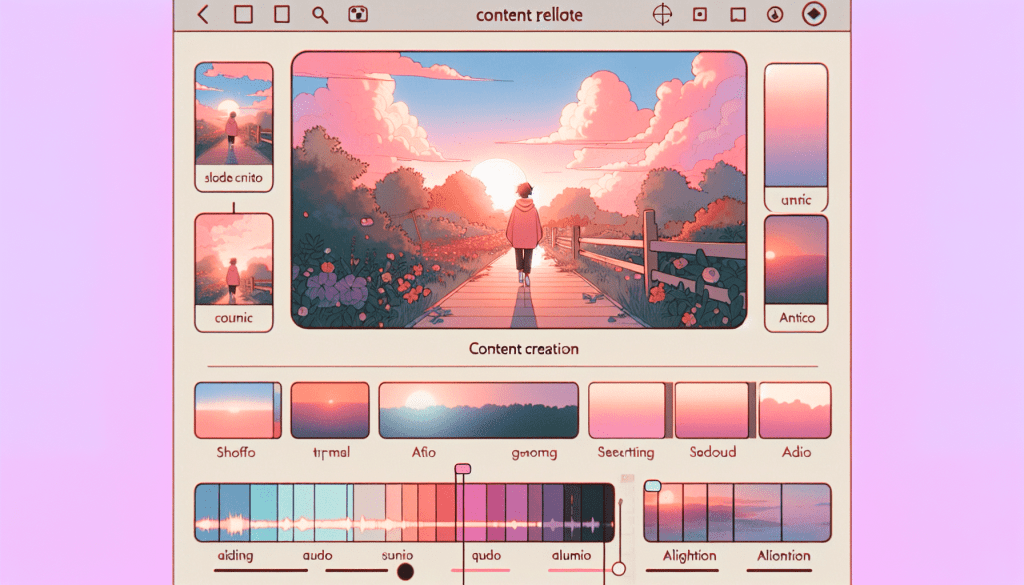
Table of Contents

How to Edit a Reel on Instagram: A Complete Guide for Content Creators

Key Findings

Learn to edit Instagram Reels like a pro, understand key features, and discover time-saving alternatives for busy creators

Understanding Instagram Reels Editing Basics

Instagram Reels editing starts with understanding the platform’s built-in tools. To begin editing a Reel:

  • Open Instagram and tap the ‘+’ button
  • Select ‘Reel’ from the options
  • Record your content or upload existing footage
  • Tap ‘Preview’ to access editing tools

The basic editing toolkit includes:

  • Trim tool for adjusting clip length
  • Audio selection and volume control
  • Text overlay options
  • Effects and filters
  • Alignment tools for precise positioning

Pro Tip: While Instagram’s native editing tools are convenient, they can be limiting for creating professionally polished content that stands out.

Advanced Editing Techniques for Instagram Reels

To create more engaging Reels, consider these advanced editing techniques:

  1. Transitions
    • Use alignment markers for smooth scene changes
    • Experiment with creative transitions like whip pans
    • Match action across clips for seamless flow
  2. Audio Syncing
    • Use beat markers to align clips with music
    • Layer multiple audio tracks strategically
    • Adjust clip speed to match audio tempo
  3. Visual Effects
    • Apply filters consistently across clips
    • Use text animations strategically
    • Include branded elements and overlays

However, mastering these techniques requires significant time investment – something many busy professionals can’t afford.

Common Challenges When Editing Instagram Reels

Even experienced creators face several challenges when editing Reels:

  • Time constraints – editing can take hours
  • Limited creative tools within Instagram
  • Maintaining consistent brand quality
  • Keeping up with trending editing styles
  • Managing multiple content pieces

These challenges often lead creators to seek more efficient solutions. While some invest in expensive editing software, others are discovering the benefits of dedicated content teams like Storyy that handle the editing process while creators focus on ideation and recording.

Optimizing Your Reels for Maximum Engagement

Beyond basic editing, successful Reels require strategic optimization:

  • First 3 seconds must capture attention
  • Include clear calls-to-action
  • Optimize aspect ratio (9:16)
  • Use relevant hashtags
  • Post at optimal times

Remember: 84% of people research businesses on social media before making decisions. Quality editing can make the difference between a scroll-past and a follow.

Q&A

Q: Can you edit a Reel after posting?

A: Yes, but options are limited. You can edit captions and tags, but not the video itself.

Q: What’s the ideal length for Instagram Reels?

A: 15-30 seconds typically performs best, though Reels can be up to 90 seconds.

Q: Should I use trending music in my Reels?

A: Yes, using trending audio can increase visibility, but ensure it aligns with your brand.

A Content Team In Your Pocket

Building a strong social media presence can be tricky – but it doesn’t have to be!

Our team at Storyy has helped hundreds of business owners script, film, and edit social media videos that share their authentic message online.

Our team are experts in:

  • Social Media
  • Content Creation
  • Video Editing
  • Caption Writing
  • Hashtag research
  • and more!
 
Schedule a free social media strategy call today and learn how Storyy can help your business grow on social media.
Facebook
Twitter
LinkedIn
Email

Discover more from Storyy

Subscribe now to keep reading and get access to the full archive.

Continue reading